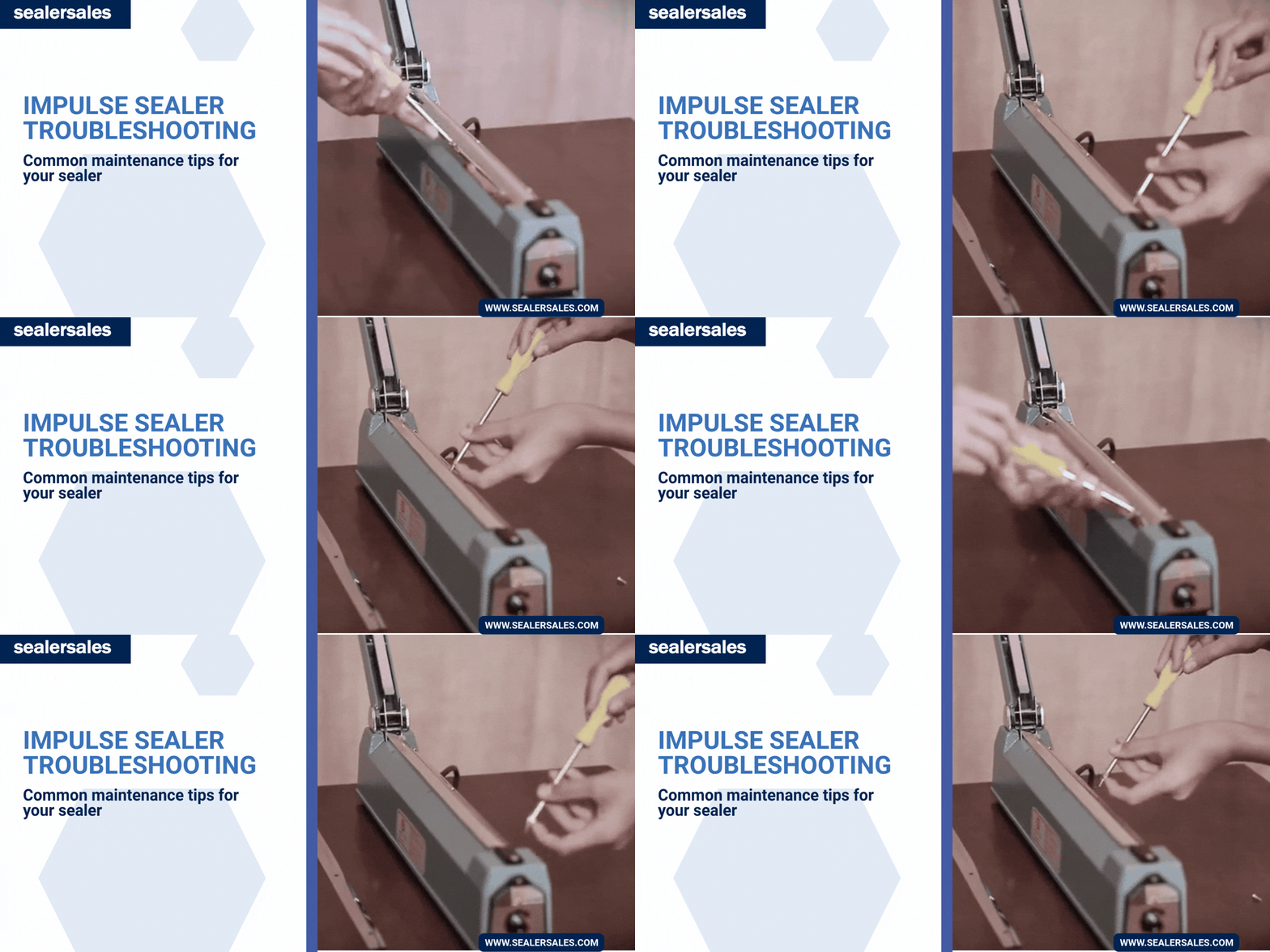
Hand, foot, and auto impulse sealers all work in a similar way — so when something goes wrong, the fix usually comes down to one of a handful of parts: the heating element, PTFE cover and adhesive, microswitch, mounting springs, or timer. This guide walks through the most common causes in order, so you can troubleshoot your sealer before assuming you need a replacement.
Q: I bought a sealer and now it isn’t working. Can you help me?
A: Of course! We’re the sealer experts, and most issues turn out to be simple fixes. All you need is a screwdriver, an unplugged machine, and a few minutes to run through our quick troubleshooting checklist below.
Before You Start
- Always unplug the unit before opening it up
- Have a screwdriver handy — most hand and impulse sealers open with just a few screws
- Work through the checks below in order; they cover the most common causes first
The 4 Point Sealer Checklist
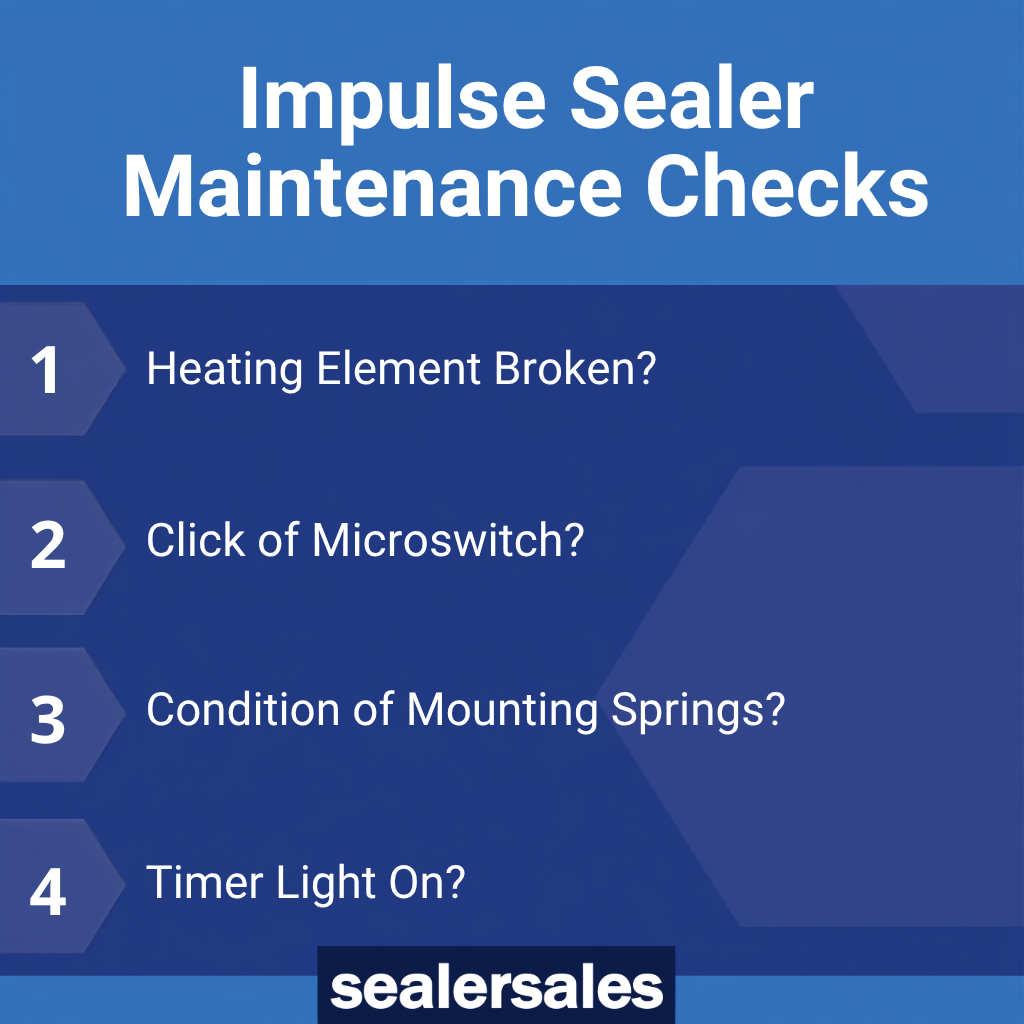
1. Is the heating element or wire broken?
This is the wire (flat or round) that heats up to seal or cut the bag/film. Remove the PTFE cover and check that the wire isn’t discolored, bent, or broken, and that it runs fully across the sealer.
Whenever you replace the element, always replace the PTFE adhesive underneath it too — this thin adhesive-backed strip is the barrier between the metal heating element and the sealer’s metal body. If it burns through, the element can arc against the body, which breaks the element again and can damage the timer as well. Replacement kits include the element, PTFE cover, and PTFE adhesive together so you’re never missing a piece. We carry replacement kits for all our sealers.

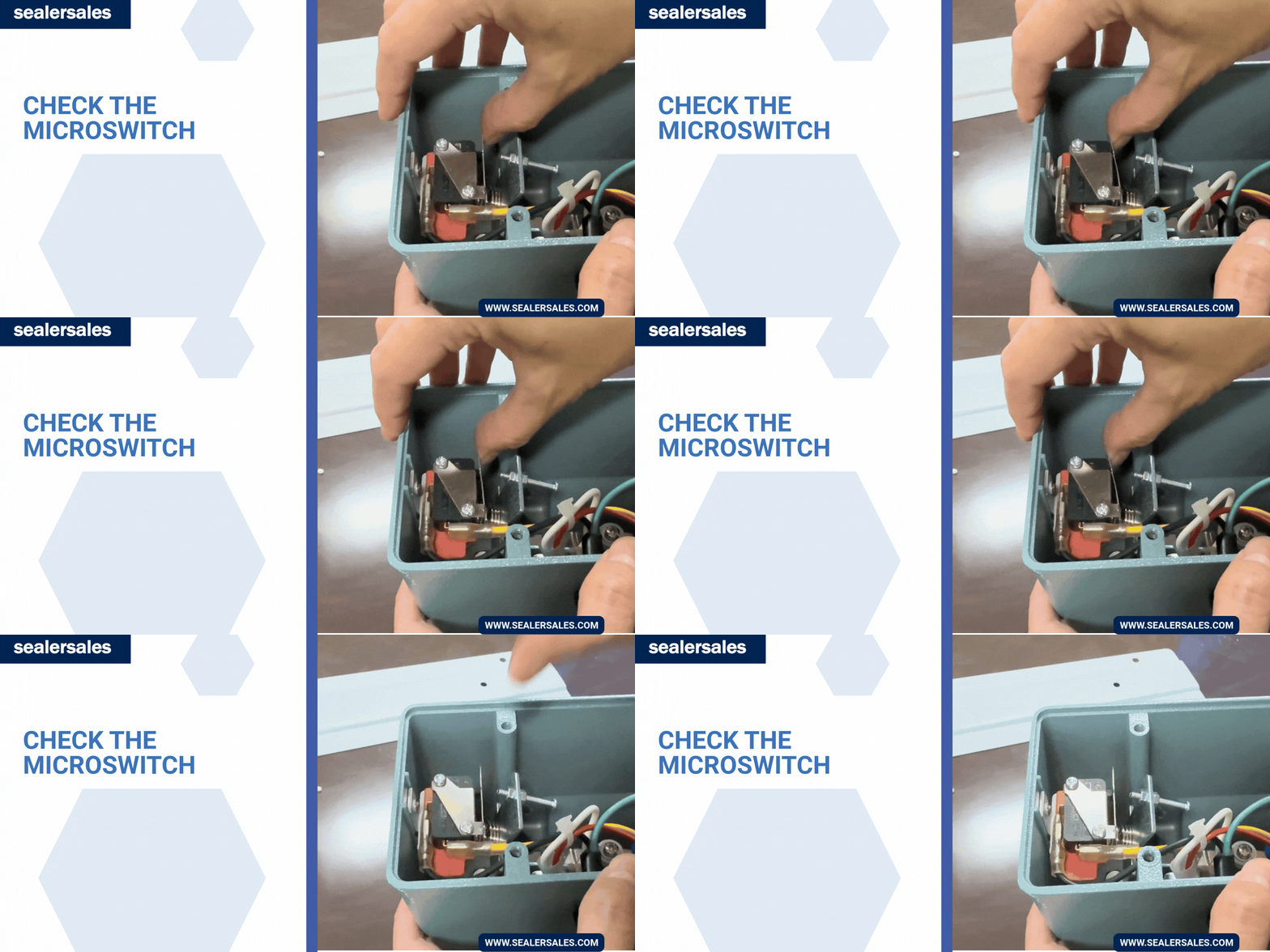
2. Do you hear the microswitch “click”?
The microswitch is what allows electricity to reach the heating element. It can shift out of alignment during shipping and need a simple adjustment, and the fix depends on your sealer type
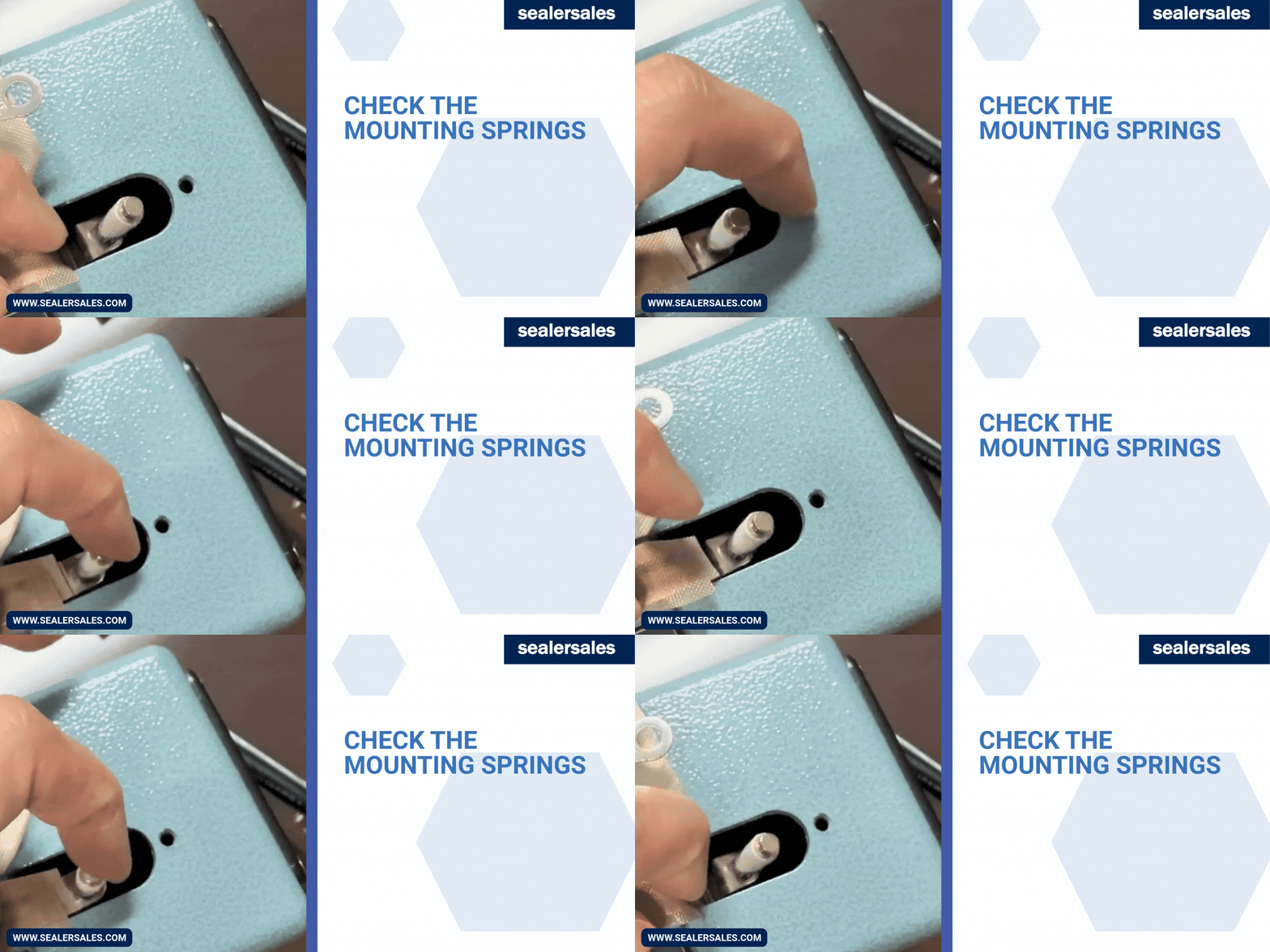
3. Are the mounting springs intact?
The springs hold the heating element in place on both ends. Make sure they’re not broken, rusted, or worn — a damaged spring will prevent the element from conducting heat properly. Replace if needed. Mounting springs can be purchased here.
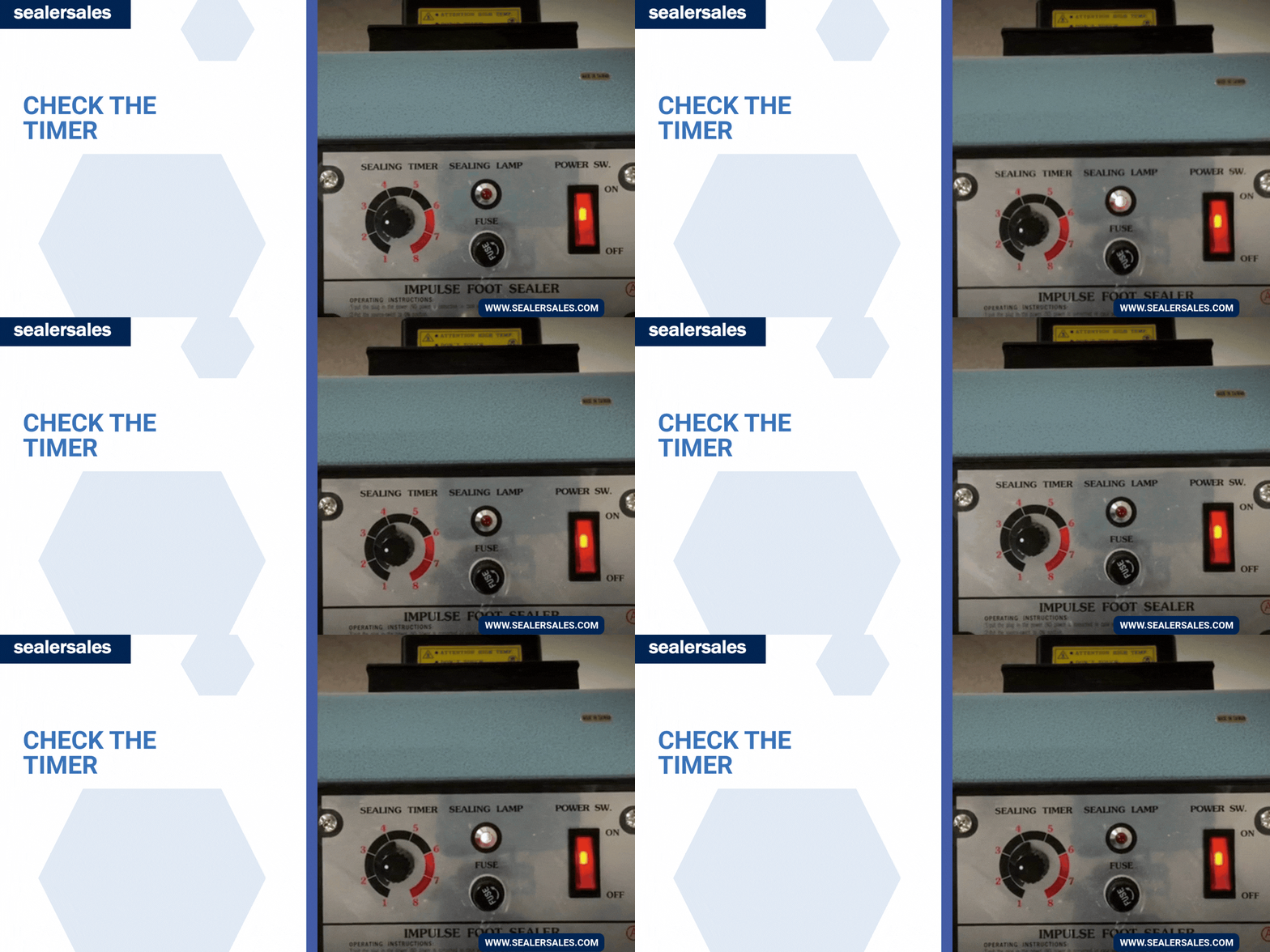
4. Does the timer light come on?
The timer light should come on briefly when the seal bar meets the base. If it doesn’t, check for loose wiring — if wiring looks fine, the timer likely needs replacing. Replacement timers can be purchased here.
Watch: How to Change Your Replacement Kit
We recommend changing your element, PTFE adhesive, and PTFE cover on a regular basis as part of routine maintenance — not just when something breaks.
Features to Check for Weak or Inconsistent Seals
Check below
- Silicone rubber worn or missing — the milky-white rubber strip on the sealer arm needs to be intact for a clean seal
- PTFE strip worn out — residue buildup on the PTFE can prevent a high quality seal; wipe down with silicone spray on a cooled (not hot) unit, never spray directly onto the machine
- Timer settings incorrect — try different timer settings
- Congeal (Dwell) time too low — congeal means to cool under pressure, and skipping it is one of the most common causes of a seal that looks fine but opens easily. Hold the sealing arm down for a couple of seconds after the timer light goes off before releasing. This lets the seal set and cool properly, and also extends the life of your heating element. For auto impulse sealers, set the congeal (cooling) time to at least 2x the heat setting. Skipping or shortening this to boost packages-per-minute is the leading cause of premature element and PC board failure
In most cases, a sealer that stops working isn’t broken for good — it just needs one part checked or replaced. Running through the heating element, PTFE adhesive, microswitch, mounting springs, and timer in order will catch the vast majority of issues, and regular maintenance (fresh PTFE, proper congeal time) goes a long way toward preventing them in the first place.
We carry a wide variety of spare parts that will help you repair your sealer.
Reach out to our customer service team or your authorized Sealer Sales distributor for more information — and if you’re not sure what’s wrong, send us a photo or model number at contact@sealersales.com and we’ll help you figure it out.